
 English


How to Book
How to Book – Fare Fly Booking
Booking your next trip with Fare Fly Booking is fast, simple, and secure. Follow these easy steps to reserve your flight, hotel, or travel package:
Step 1: Search for Your Travel
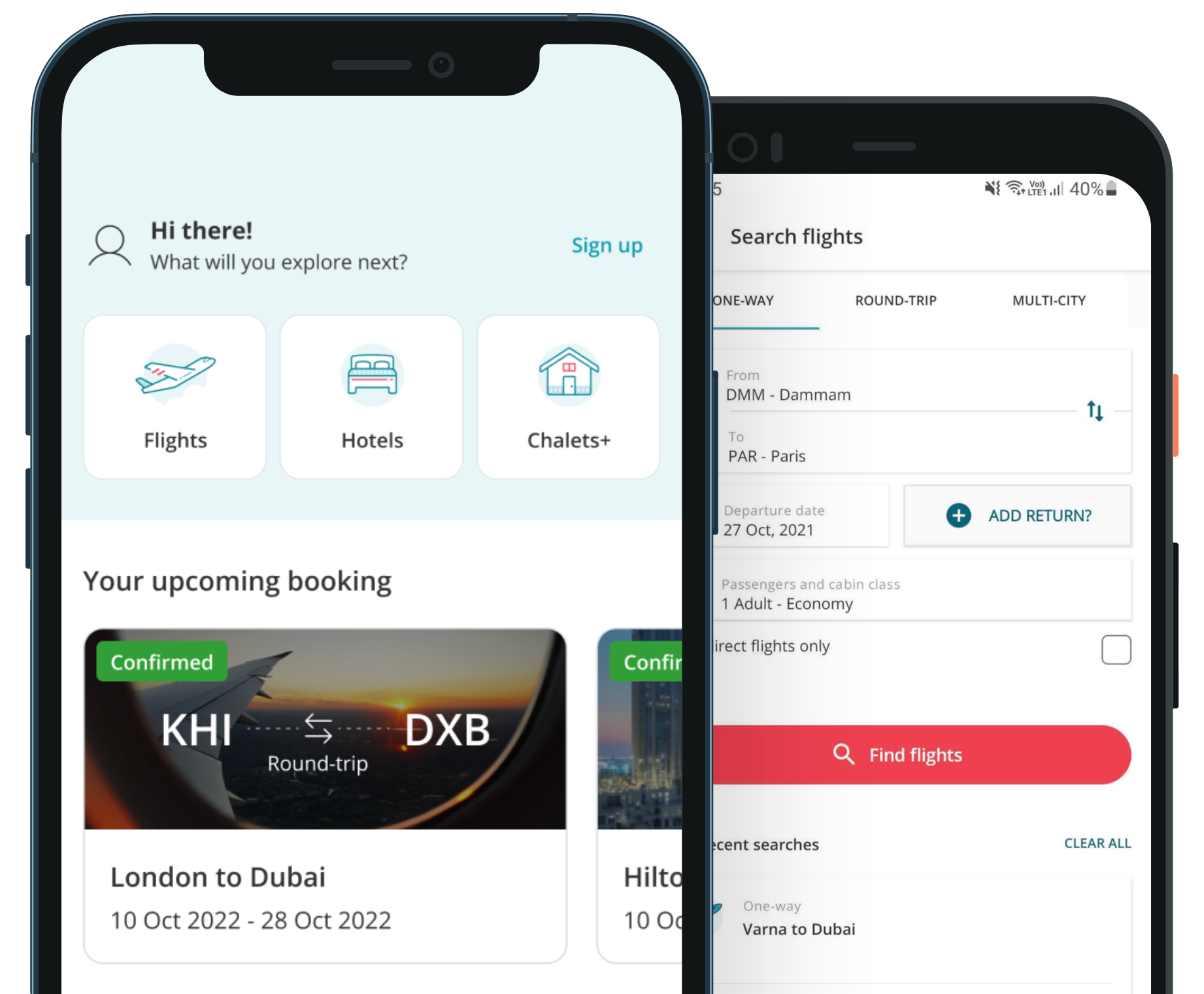
Enter your destination, dates, and number of passengers.
Select your travel type: one-way, round-trip, or multi-city.
Click Search to view available options.
Step 2: Choose Your Option
Browse through available flights, hotels, or packages.
Use filters for price, airline, departure times, or amenities to narrow your choices.
Click Select on the option that suits your needs.
Step 3: Enter Passenger Details
Provide accurate passenger information, including full names, contact details, and any special requests.
Review details carefully to avoid mistakes.
Step 4: Review and Confirm
Check your itinerary, total price, and booking details.
Read airline or hotel policies for cancellations, changes, and baggage.
Step 5: Make Payment
Choose your preferred payment method (credit card, debit card, or other secure options).
Complete the payment process using our secure checkout.
Step 6: Receive Confirmation
Once payment is successful, you will receive an e-ticket or booking confirmation via email.
Save a copy for your records and use it for check-in.
Step 7: Manage Your Booking
Log in to your Fare Fly Booking account to view, modify, or cancel bookings.
Check your itinerary regularly for updates or notifications from the airline or service provider.
Pro Tip: Sign up for our newsletter or fare alerts to get notifications about special deals, discounts, and last-minute offers.

 Fare Fly Booking


